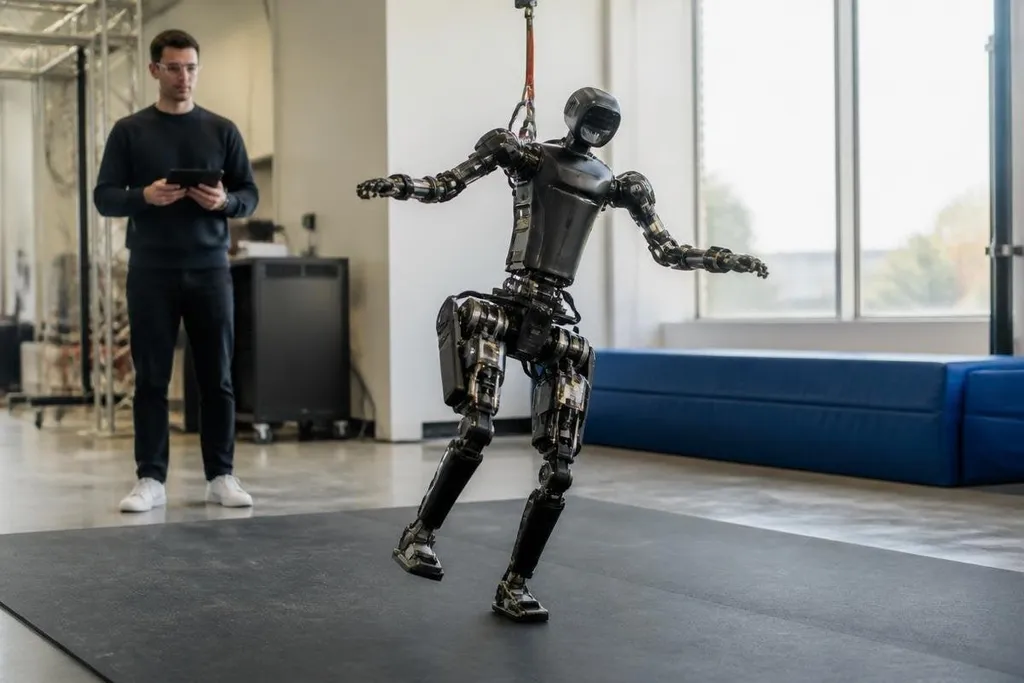
A walking robot can tip over in a fraction of a second if its feet land outside the support area. To stay upright, it measures motion, predicts the next change, and moves its joints before the error grows.
- Sensors: An inertial measurement unit tracks tilt and rotation while joint encoders report each leg’s position.
- Control: Software turns those readings into small motor commands many times per second.
- Training: Simulation lets the robot practise slips, pushes, and uneven ground before hardware tests.
What the robot measures
Balance starts with sensors. An inertial measurement unit, or IMU, measures acceleration and rotation around the robot’s body. The control software uses those readings to estimate whether the body is leaning forward, backward, or to one side.
Joint encoders add the position of each motor. That tells the robot where its knees, hips, ankles, or wheels are pointing. A foot-mounted force sensor can add contact data, showing when a foot has touched the ground and how much load it carries.
These readings become an estimate of the robot’s state. That estimate includes body angle, speed, joint position, and foot contact. Since every sensor has noise and a short delay, the software keeps updating the estimate instead of trusting one reading forever.
How the control loop stops a fall
Its controller compares the measured state with a target state. If the body leans forward, it may move a foot forward or shift the hip backward. If a foot loses contact, the robot can change the next step or place another foot under the body.
This process is called feedback control. The robot takes a reading, calculates an error, sends a motor command, and checks the result again. The loop repeats fast enough for the robot to react while the body is still moving.
A controller also has to respect limits. Motors have a fixed amount of torque, which is the turning force at a joint. A leg may have the right position in software but still fail to recover if the motor cannot produce enough torque before the body passes its safe support area.
Walking adds another problem. The robot is stable for only part of each step because one foot may leave the ground. Its controller must place the next foot at a useful location, slow the body, and spread the load across the available contacts.
How training works in simulation
Many robots practise balance in a physics simulator before engineers run the same task on hardware. The simulator can repeat a push or change the ground surface thousands of times without damaging motors, gearboxes, or legs.
A learning system receives a score for staying upright, keeping its feet near planned locations, and using reasonable motor effort. It adjusts its control policy after each trial. The policy is the set of rules the robot uses to turn sensor readings into movement.
Simulation has limits. Real floors bend, motors heat up, gearboxes have backlash, and sensors arrive with delay.
Engineers add these effects to training, then check the result on hardware. This step is often called sim-to-real transfer because software learned in simulation must work on a physical robot.
A robot that stays upright in simulation can still tip when its foot slips on real flooring. Robot balance reports from Robot24.com can connect that claim to a named machine and test result before the next section asks what balance does not prove.
What balance does not prove
A robot standing on a flat floor has passed a narrow test. That result says little about wet ground, loose gravel, a cable underfoot, or a person pushing from the side. The test surface, speed, payload, recovery time, and number of failed attempts matter.
A video can also hide the control setup. The robot may receive a planned motion from a human operator, use a safety line, or run at a slower speed than the final task requires. A balance claim needs the test conditions beside the result.
I’d trust a balance claim only after the robot recovers from outside disturbances with its own sensors and motors.
A practical check before you trust a demo
Use this list when you compare walking robots or read a balance claim:
- Check the surface: Ask if the floor was flat, sloped, loose, wet, or covered with obstacles.
- Check the load: Find the robot’s carried mass and where that mass sat during the test.
- Check the control path: Ask if a person supplied foot positions or corrected the robot during the run.
- Check the failure record: Look for the number of successful trials, falls, and resets.
- Check the recovery task: See if the robot regains balance after a push, a missed step, or lost foot contact.
The next useful test is clear: run the same robot across several surfaces with a fixed payload and publish every fall. Until that record exists, a stable walk is a result, not a full measure of balance.